Capabilities
Documents
Deliverables Shadow creates with you or a team member.
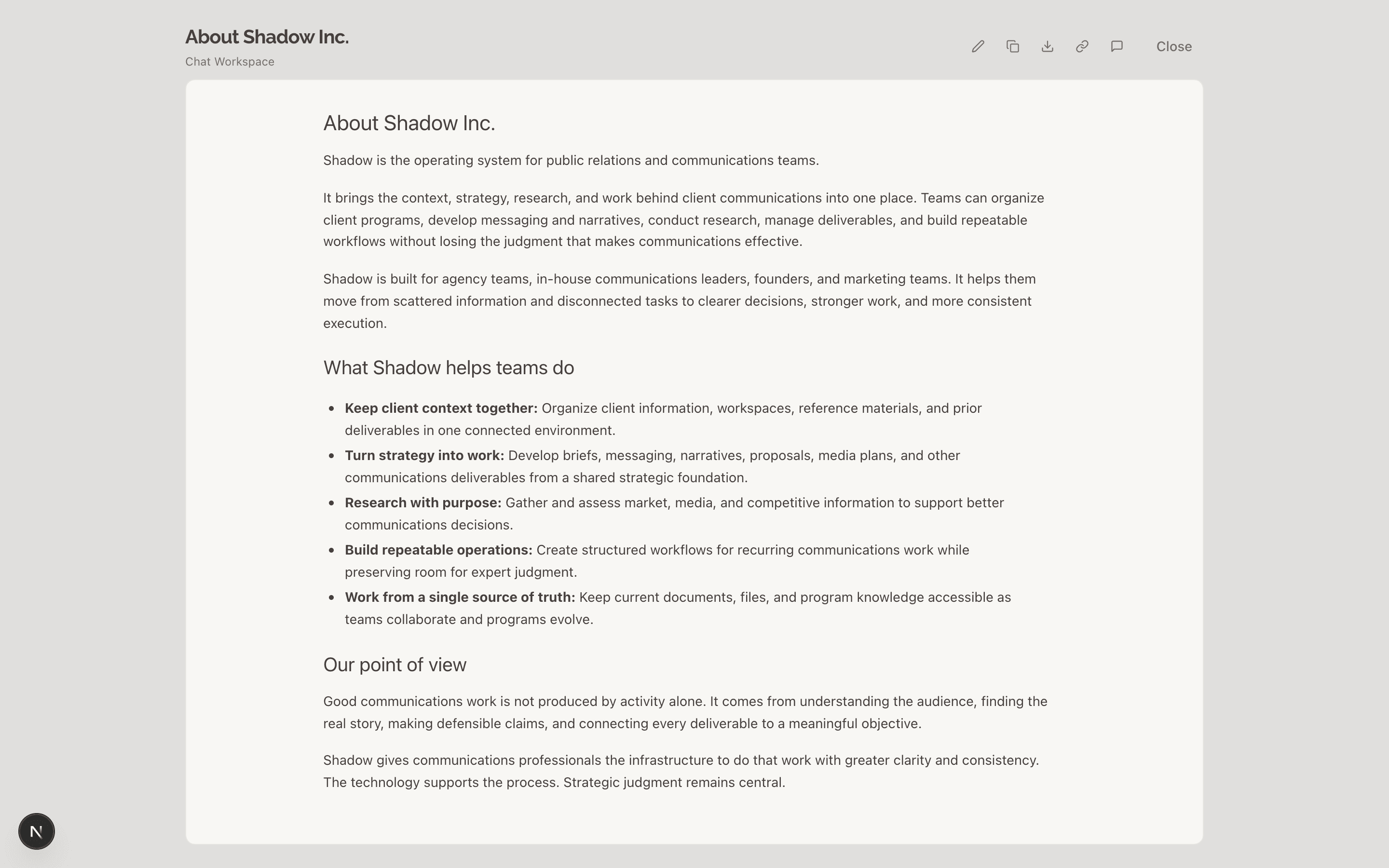
Create a document
Ask for the deliverable in Chat with the client named:
Draft the [award] submission for [client].
Shadow reviews the client's context, uses relevant documents and files, and drafts the work. A document card appears in the conversation that allows you to view, edit, and share it. The document is saved to the client's workspace as a Draft for later reference and use.
Revise it in the conversation
Reply with your change notes or updated request and Shadow will iterate on the document or create a new one if your request specifies. You can create any number of documents in a chat but we recommend focusing on one work item per chat.
Make the executive summary more concise and change the title to "Acme: 2026 Innovation Award".
Create a companion document that I can use to brief the team about this.
Review it with highlights and notes
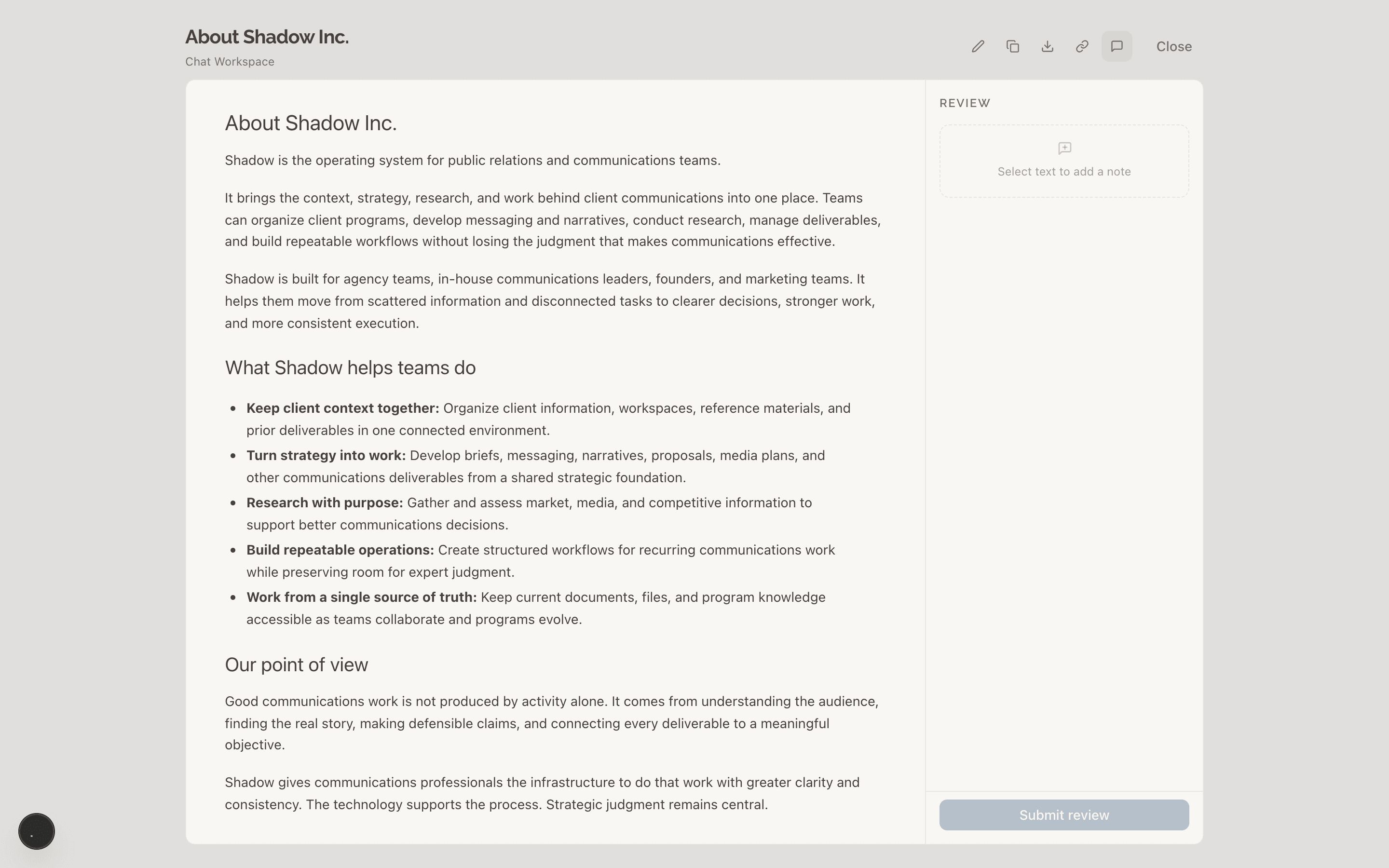
Edit it yourself
Change the text directly in the document editor.
Draft and Completed
Every document is one or the other. New documents are Drafts. Mark a document Completed when it is done; reactivate it if the work reopens. This is more about workspace hygiene than anything.
Sharing
Copy the full text, download as Markdown file, copy an internal link, or create a public share link. See Share and export.