Working in Shadow
How work is organised
Everything in Shadow is organized by client.
Clients and their spaces
Each client has a client space with organized workspaces: the hub for everything Shadow knows about them and everything you have produced for them. Open a client's space from the Dashboard.
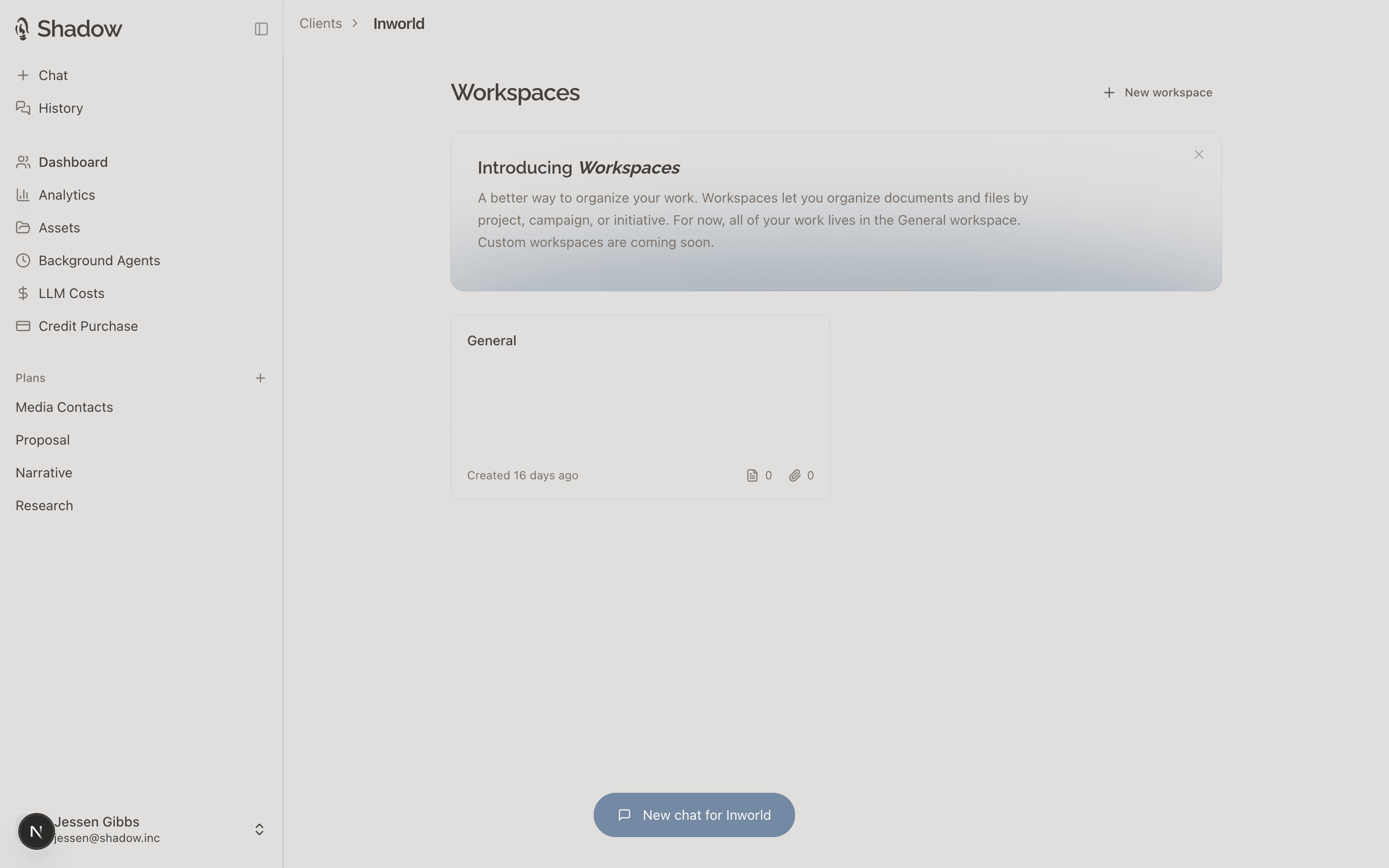
Work inside a client space is organised into workspaces. Every client starts with a General workspace and you can add more as needed to keep your work organized. Workspaces can be nested and each one holds three things:
- Files: material you bring in, such as past submissions, messaging, bios, call notes, and data exports.
- Documents: deliverables created with Shadow, such as submissions, pitches, messaging, and briefs.
- Reports: structured, data-driven pages designed to present client work.
When you ask Shadow to do something for a client, it works inside that client's space and reads what lives there. See Client context.
The three surfaces
| Surface | What you do there |
|---|---|
| Chat | Brief, iterate, and produce. Most work happens here. Everything you produce lands in the right client's space. |
| Dashboard | Find, create, and view, client spaces. |
| History | Return to any past conversation and pick it up where you left off. |
Who sees what
- Chat conversations are private to you.
- Documents, reports, and files in a client's space are shared team assets, visible to everyone on the team.
- Every document belongs to a client. If Shadow cannot tell which client you mean, it will ask you to specify.